If the VSYNC patch did not stop it, the developer names three runtime triggers: a VPN switched on, a host that is not holding a full framerate, and an unstable connection. Only the VPN is entirely on your side. Jitter other games hide is unusually visible here because every object is simulated rather than animated. For lobbies that hang on 'Creating…' there is no client-side setting at all — that is where the host's session server sits.
On this page
Lag Between the Two Players
Update both clients
Make sure both players are running the current build (the developer labelled the fix the 'Lag Fix - Level 14 Fix' update).
Restart on both ends
Restart the game on both ends after the update.
Re-host on the affected client
Re-host. The host's VSYNC setting is the one that affects both clients.
If the jitter returns later
If it is gone after the restart, it was the VSYNC bug. If it comes back, it is one of the runtime triggers below rather than the patch failing — check the VPN first.
Done when: Jitter is either gone, or narrowed to a network-speed problem rather than a desync.
Rule out the non-online setups first
Single-player, local co-op, and Steam Remote Play sessions get mistaken for online connectivity problems. Co-op and Game Modes lists which of those is which.
What Actually Causes the Lag
A VPN switched on, on either machine
The developer states that when a VPN is enabled the game puts you into a distant server and causes lag. Turning the VPN off — on the host's machine as well as the joiner's — is the one trigger you can clear yourself.
The host is not holding a full framerate
Low performance on the host is passed straight on to everyone connected to it. The developer recommends dropping graphics from Ultra to high, and asked reporters to check whether either PC was struggling before looking anywhere else.
An unstable connection
Brief dropouts are the third trigger. They are more disruptive here than in most games, because every object is simulated rather than animated — see the note below.
Why Ordinary Jitter Is So Visible Here
The developer's own answer for why a connection problem reads so badly here and not in other games is the simulation itself: every object in a room is simulated rather than animated, so a dropped packet does not skip a movement curve, it re-sends a position and the two spirits snap back to it. The same always-on physics is what makes the push, tilt and momentum puzzles work — see Puzzle Solutions.
The practical consequence is that a session can look broken when the connection is merely imperfect, so a stable connection buys you more than any graphics setting.
Lobby Stuck on "Creating…"
Confirm the launch build is current on both ends
Confirm the launch build is current on both ends.
Try the host on a different network
Try the host on a different network if available.
If the lobby still hangs, wait on the server-side fix
If the lobby still hangs, there is no client-side setting for it — the fix has to land on the server side, which the developer says they are continuing to roll out.
What the stuck lobby really is
A lobby that never resolves is not your connection or your firewall; it is the lobby service. Steam Remote Play Together is the practical workaround — see the section below.
Lag That Is Actually the Remote Play Stream
Use a wired network on the joining player
Switch the joining player to a wired network if they are on Wi-Fi.
Close other video or downloads
Close other video or download activity on the joining player's network.
Lower in-game quality on the host
If they are far from the host, reduce the in-game graphics quality in the host's settings — the encoded stream scales with the frame budget.
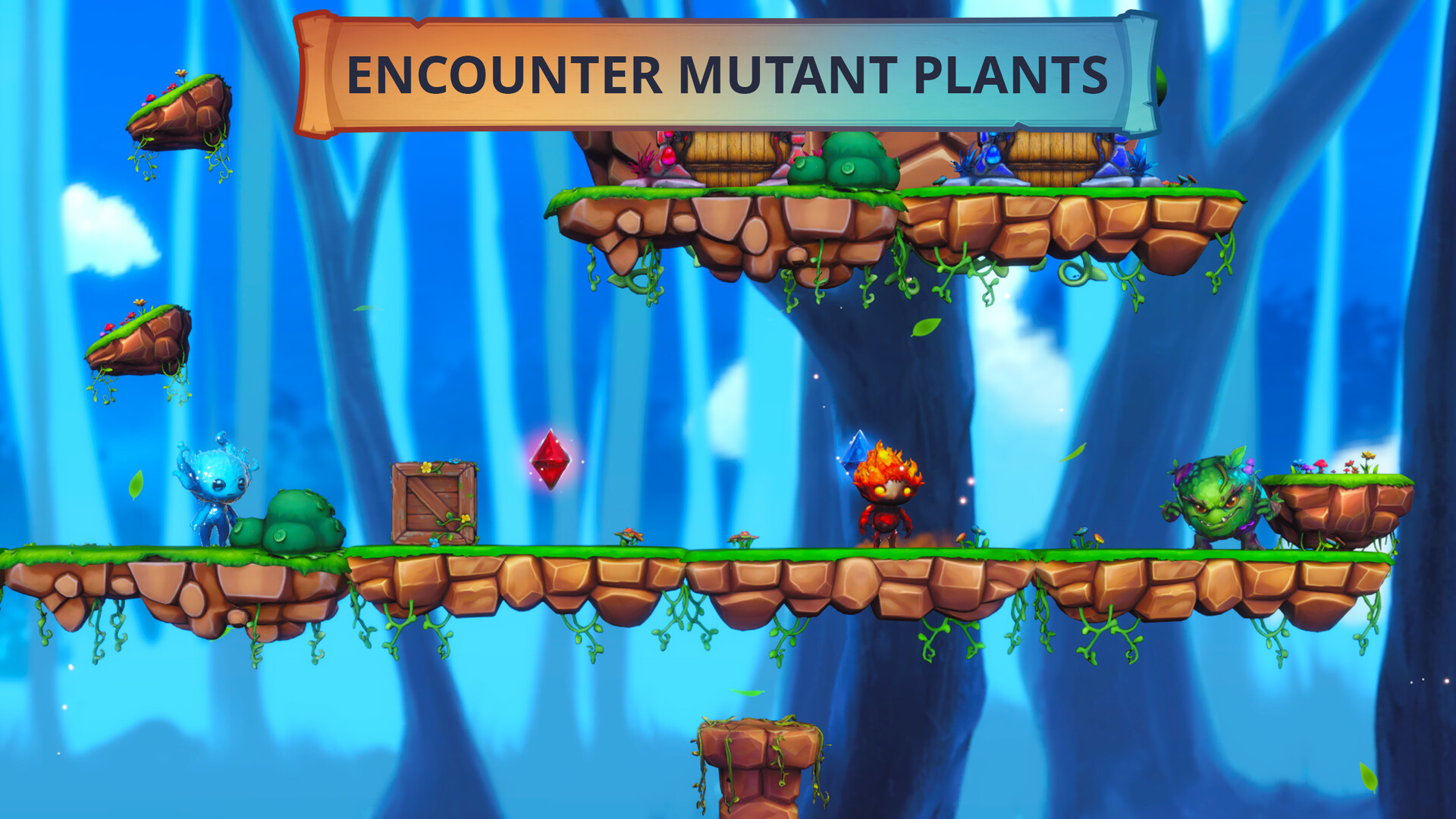
What a lagging session actually looks like
FAQ
What is this site?
It is an unofficial, English-language guide hub for Fire and Water: Spirits of the Forest on Steam. It collects the mechanics, puzzle rules, crystal routes, enemy patterns, level structure, and co-op setup for the game in one place, so you can find the answer for the room you are stuck in without reading a whole forum thread.