Co-op & online
Co-op Setup and Game Modes in Fire and Water: Spirits of the Forest
Single-player is first-class. The store-listed shared-keyboard mode was disabled in an update. Today the live local options are solo, keyboard + gamepad, and dual gamepads.
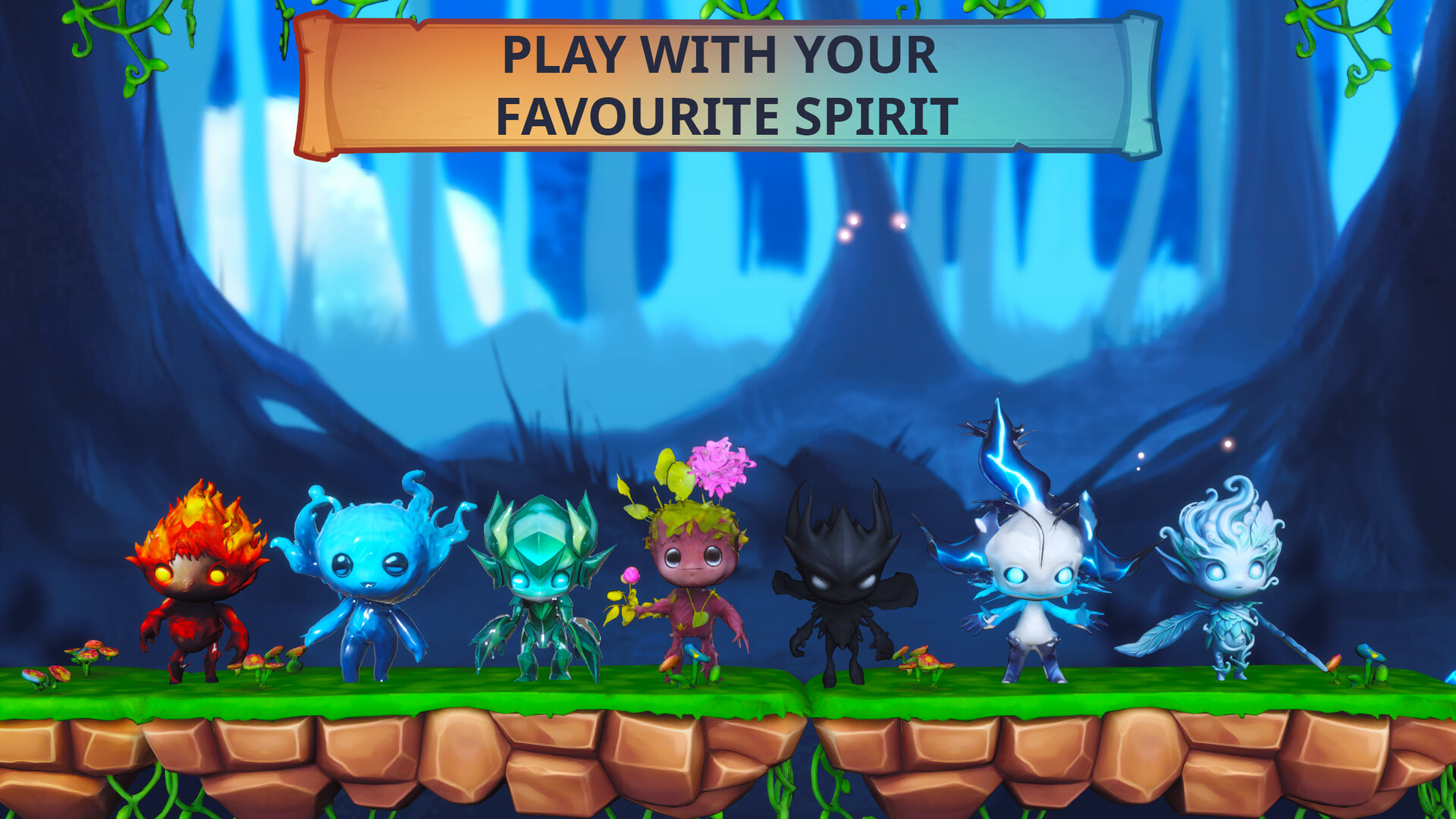
Solo drives both spirits on one controller. The store-listed shared-keyboard mode was disabled in an update — that two-players-one-keyboard option is gone. Today the local options are keyboard plus gamepad or two gamepads, and online co-op plus Steam Remote Play Together are supported online.
- Single-player
- Officially supported
- Shared keyboard (two players)
- Disabled in a post-launch update
- Local co-op today
- Keyboard + gamepad or two gamepads
- Online
- Online co-op + Steam Remote Play Together
Single-Player Mode
Yes, you can play the game alone. The store page lists the option explicitly: "For Lone Wolves: Want to experience this inner journey alone? Take control of both characters and play solo," and Steam lists Single-player alongside Shared/Split Screen Co-op. Solo is a full way to play, not a reduced mode.
How solo works under the hood:
- You drive both spirits yourself.
- You step between them with the character-switch control (see below).
- Both spirits still must reach their own character-specific gate for the level to count as cleared, so you cannot finish by carrying one spirit through on its own.
What solo costs you is the second pair of hands, not the abilities. Every spirit's elemental ability is available to whichever spirit you are currently driving, so the puzzles stay solvable — they just take longer because one person is doing both jobs. Players who play solo report it works well, and a solo player describes switching between Player 1 and Player 2 as the normal way to progress rather than an inconvenience. On Steam Deck, the standard shoulder-button swap can be unreliable on Player 2; see the character-switch section below for the touchscreen workaround.
Keyboard Plus Gamepad and Two Gamepads
Keyboard plus gamepad
One player on the keyboard, one player on a controller. This is the same setup that solo players sometimes add a gamepad to just to have a second input device on the desk.
Best for: Solo desk play with one controller on the side.
Two gamepads
Two controllers on the same screen. A pair reported playing together on the same screen using Xbox One controllers and found it comfortable.
Best for: Couch co-op on a TV.
Shared screen co-op
Shared screen co-op is the official mode for both setups. The game renders split-screen rather than a single shared view, so two players side-by-side on one monitor is the design.
Best for: Anyone playing on one screen.
Online Co-op and Steam Remote Play
Online co-op is supported, and Steam Remote Play Together works so a friend can join without owning the game. The single-player build also runs offline with no server check.
Three things that feel like a setup problem but are not:
- Desyncing between the two spirits is the VSYNC bug the developer patched.
- A session that still lags after the patch is usually one of the three runtime triggers he names — a VPN switched on, a host below full framerate, or an unstable connection — and only the VPN is on your side. The Online Co-op Lag Fix page lists all three.
- Steam Remote Play Together streams video as well as input, so a poor remote session feels like lag even when the host's connection is fine.
Online play is also limited by geography. Sessions are matched to a regional server, and the developer has said he cannot rent one in China, which is why the worst reports — lobbies that sit on "Creating…" indefinitely — come from China and other parts of Asia. He has patched it for some regions; no local setting changes it.
Switching Characters Mid-Game
Controller: LB / RB
On a controller the shoulder buttons switch your character — LB and RB step between the two spirits. This is the fast way to swap mid-puzzle, and the same buttons work while a partner is driving the other spirit in split-screen so you can hand a character over without leaving the level.
Steam Deck: touchscreen arrows
On Steam Deck, the controller buttons are unreliable for the second player: a Deck owner reported that LB and RB changed only Player 1 and would not move Player 2, and the developer's answer is to use the touchscreen instead, where tapping the on-screen red and blue arrows changes character. Steam Deck players also find the P2 character awkward to select when playing solo and end up using the touchscreen for that too. If the shoulder-button swap does nothing on a Steam Deck build, that is the known cause rather than a broken install, and the touchscreen arrows are the workaround.
FAQ
What is this site?
It is an unofficial, English-language guide hub for Fire and Water: Spirits of the Forest on Steam. It collects the mechanics, puzzle rules, crystal routes, enemy patterns, level structure, and co-op setup for the game in one place, so you can find the answer for the room you are stuck in without reading a whole forum thread.